
CapCut
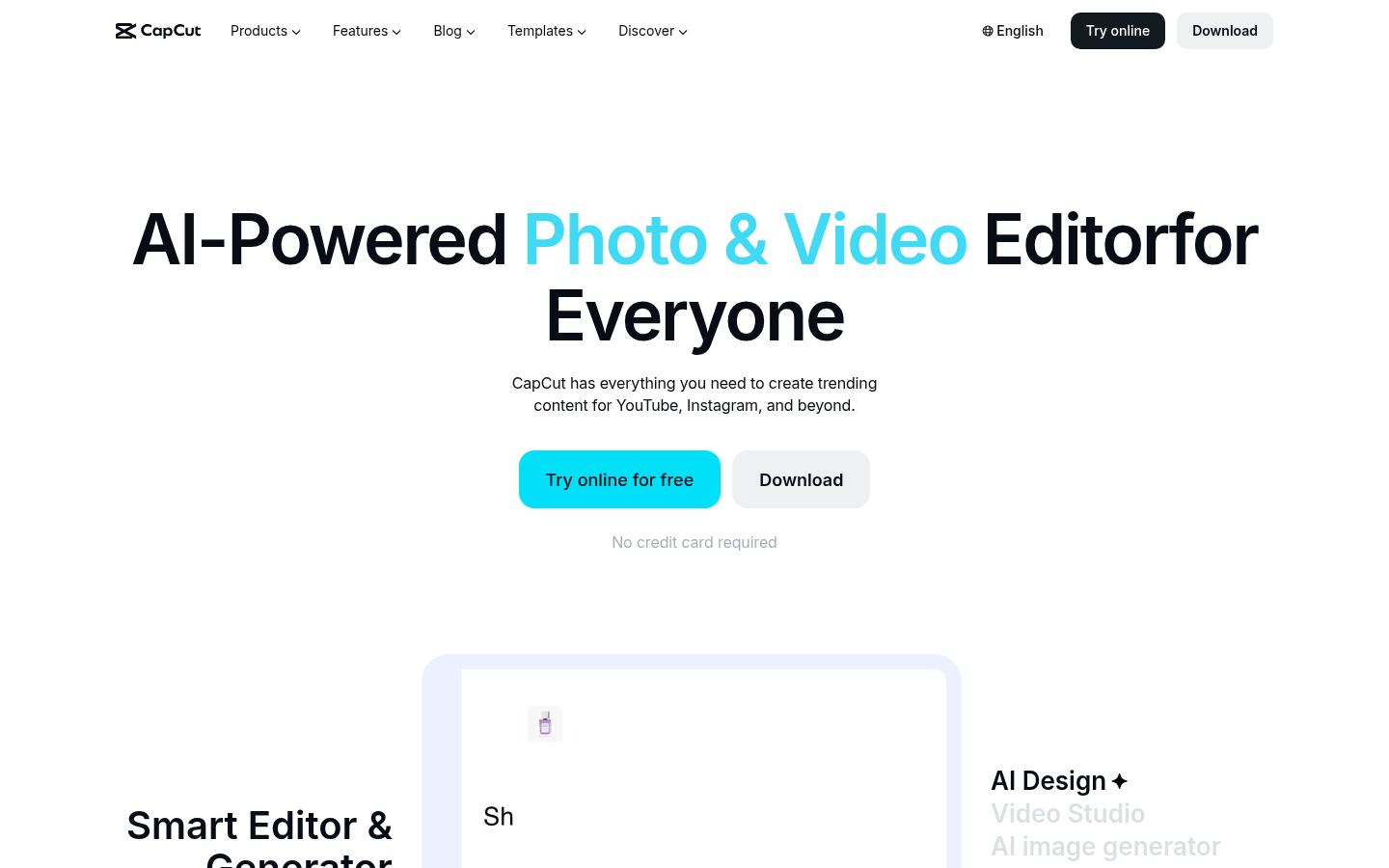
CapCut is a video editor with desktop, online, pad, and mobile apps. We would use it for a short social cut when a full timeline is more tool than the job needs.
Last verified Oct 2026
Quick summary
- Best for
- A short social cut when a full timeline is more tool than the job needs
- Top use
- Cut a short social video on mobile or desktop
- Official site
- capcut.com
What is CapCut?
We would use it for a short social cut when a full timeline is more tool than the job needs. It is the everyday editor, not the tool for a generated spokesperson.
CapCut is a video editor with desktop, online, pad, and mobile apps. The help center describes Standard for casual, mostly mobile editing, and Pro for cross-device work, commercial assets, and more AI tools. The site also lists generators for video, images, captions, and voice.
What can you use CapCut for?
We would use it for a short social cut when a full timeline is more tool than the job needs. It is the everyday editor, not the tool for a generated spokesperson.
Best use cases
- 01
Cut a short social video on mobile or desktop
- 02
Add captions or a simple voiceover
- 03
Use a template when the edit should stay simple
Limitations
- The help page says Pro pricing varies by region, device, and promotions, and it does not list a dollar amount
- Standard editing is described as primarily mobile, with 100GB storage
- A named ongoing free plan with a fixed allowance was not stated. The help page says try online for free, no credit card
Free AI Toolkit
The starter pack for top free AI tools.
A practical starter list for content, video, images, research, automation, and productivity. It notes which tools have a real free plan and what each one is best for.
- Free
- Updated regularly
- No spam, ever
CapCut alternatives


Similar tools




Official CapCut site
capcut.com