
Codia
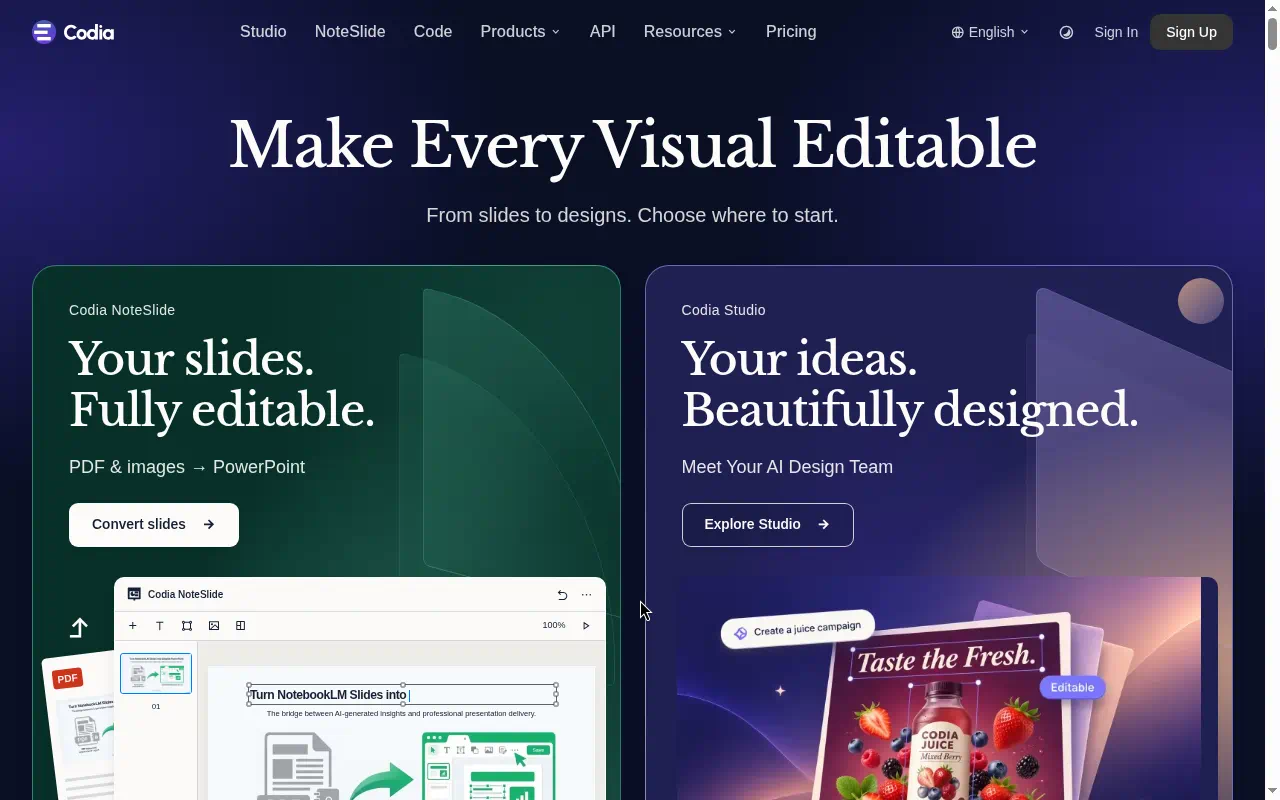
Codia is a set of AI design and development tools that turn slides, screenshots, and Figma files into editable designs or code. As of October 2026, Codia paid plans start at $19/month. Codia is best for designers, developers, and teams who want to convert PDFs, images, screenshots, or Figma files into editable slides, designs, or code instead of rebuilding them by hand.
- Free $0
Last verified Oct 2026
Quick summary
- Pricing
- $19/month
- Free plan
- Yes
- Best for
- Designers, developers, and teams who want to convert PDFs, images, screenshots, or Figma files into editable slides, designs, or code instead of rebuilding them by hand
- Top use
- Turning a PDF or image-based slide deck into editable slides
- Official site
- codia.ai
What is Codia?
Codia is worth a look if you regularly need to turn existing slides, screenshots, or Figma files into something you can edit. There is a free plan, and Pro starts at $19/month on the homepage product pricing.
Codia takes static or design-tool assets and makes them editable. NoteSlide converts PDFs and images into editable slides. Its design reconstruction feature turns screenshots into editable designs. Its Figma to code feature converts Figma files into code. Codia names Figma, Canva, and PowerPoint as integrations.
Best use cases
- 01
Turning a PDF or image-based slide deck into editable slides
- 02
Rebuilding a design from a screenshot without starting from scratch
- 03
Converting Figma designs into code
- 04
Moving work between Figma, Canva, and PowerPoint
- 05
Buying seats for a team
Limitations
- Dollar prices come from the homepage product pricing. The /pricing page did not show numeric plan cards.
- The pricing page raises the question of a free trial but does not answer it.
- A free plan is available for all products. Its limits are not listed here.
Codia pricing
| Plan | Price |
|---|---|
| Free | $0 |
| Pro | $19/month, or $15/month billed annually (save 20%) |
Codia FAQ
- How much does Codia cost?
- As of October 2026, Codia paid plans start at $19/month.
- Does Codia have a free plan?
- Yes, Codia has a free plan.
- Who is Codia best for?
- Codia is best for designers, developers, and teams who want to convert PDFs, images, screenshots, or Figma files into editable slides, designs, or code instead of rebuilding them by hand.
- What can you use Codia for?
- Top uses for Codia: Turning a PDF or image-based slide deck into editable slides; Rebuilding a design from a screenshot without starting from scratch; Converting Figma designs into code.
- What are alternatives to Codia?
- Alternatives to Codia on Future Systems include Cursor, GitHub Copilot, and Bolt.
Free AI Toolkit
The starter pack for top free AI tools.
A practical starter list for content, video, images, research, automation, and productivity. It notes which tools have a real free plan and what each one is best for.
- Free
- Updated regularly
- No spam, ever
Similar tools




Related pages
Official Codia site
codia.ai