
Opus Clip
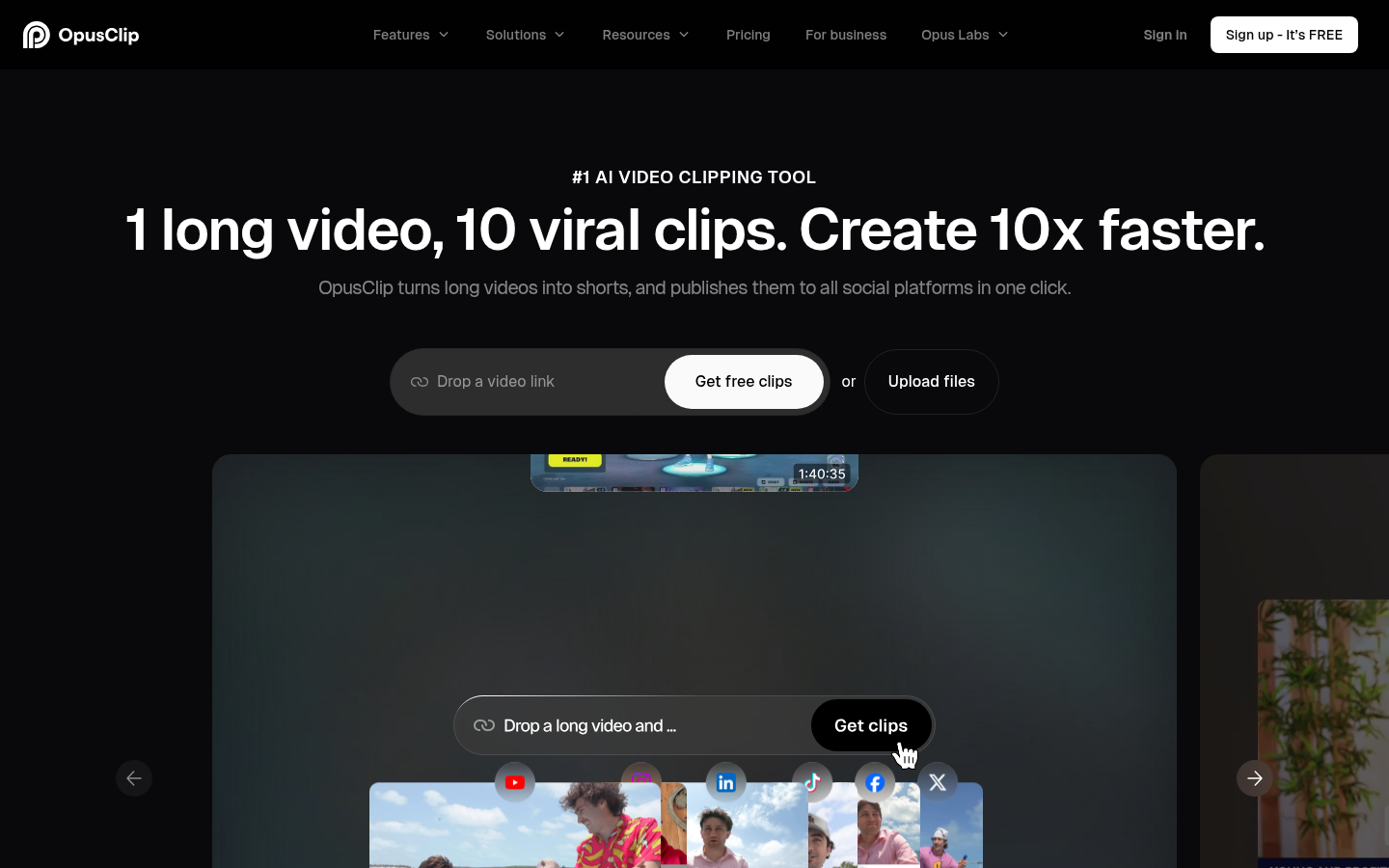
Opus Clip turns a long video into short clips with captions, reframing, and a virality score, then can post them to short-form platforms. As of October 2026, Opus Clip paid plans start at $15/month. We would use it to get a first set of shorts from a webinar or podcast.
- Free plan
- Trial
Last verified Oct 2026
Quick summary
- Pricing
- Free forever $0/month, 60 credits
- Free plan
- Yes
- Best for
- We would use it to get a first set of shorts from a webinar or podcast
- Top use
- Turn a webinar or podcast into short clips
- Official site
- opus.pro (partner link)
What is Opus Clip?
We would use it to get a first set of shorts from a webinar or podcast. A person still picks which clips are worth posting.
Opus Clip turns a long video into short clips with captions, reframing, and a virality score, then can post them to short-form platforms. Free includes a monthly credit allotment with a watermark and a short export window. Paid plans add editing, more credits, and watermark-free export.
What can you use Opus Clip for?
We would use it to get a first set of shorts from a webinar or podcast. A person still picks which clips are worth posting.
Best use cases
- 01
Turn a webinar or podcast into short clips
- 02
Add captions and reframe for vertical
- 03
Queue shorts to more than one platform
Limitations
- Free clips are watermarked and expire for export after 3 days
- The free trial length on paid cards is not stated
- Clip selection still needs a person. The score is not a publishing decision
Opus Clip pricing
| Plan | Price |
|---|---|
| Free forever | $0/month, 60 credits |
| Starter | $15/month billed monthly only, 150 credits (the card shows $15 and $15) |
| Pro | $29/month, or $14.50/month with $174 billed annually, 300 credits |
USD.
Business is custom pricing.
Yearly billing is labeled save up to 50%.
Opus Clip FAQ
- How much does Opus Clip cost?
- As of October 2026, Opus Clip paid plans start at $15/month.
- Does Opus Clip have a free plan?
- Yes, Opus Clip has a free plan.
- Who is Opus Clip best for?
- We would use it to get a first set of shorts from a webinar or podcast.
- What can you use Opus Clip for?
- Top uses for Opus Clip: Turn a webinar or podcast into short clips; Add captions and reframe for vertical; Queue shorts to more than one platform.
Free AI Toolkit
The starter pack for top free AI tools.
A practical starter list for content, video, images, research, automation, and productivity. It notes which tools have a real free plan and what each one is best for.
- Free
- Updated regularly
- No spam, ever
Opus Clip alternatives



Similar tools


Related pages
Official Opus Clip site
opus.pro