
Pika
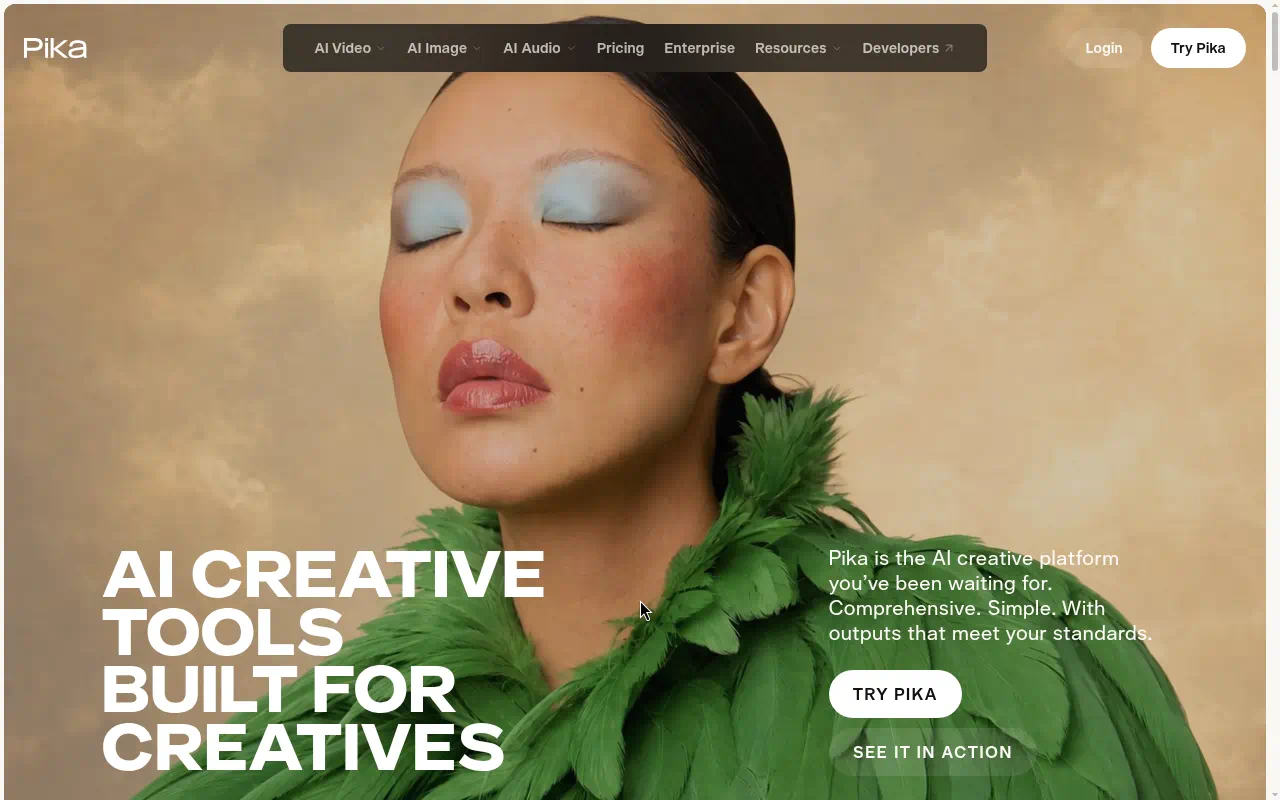
Pika (also known as Pika Labs) is an AI platform for generating and editing video, images, and audio. Pika is best for creators who want to generate and edit video, images, and audio with AI in one place.
- Free: $0, with 0 monthly credits
Last verified Oct 2026
Quick summary
- Pricing
- $0
- Free plan
- Yes
- Best for
- Creators who want to generate and edit video, images, and audio with AI in one place
- Top use
- Generating short AI videos from a single platform
- Official site
- pika.art
What is Pika?
Pika gives creators one platform for AI video, image, and audio generation, with a $0 entry plan and paid tiers from $8 per month billed annually. Anyone planning commercial use should budget for Creator or higher, since Free and Starter do not include a commercial license.
Pika is an AI creative platform for generating and editing video, images, and audio. It runs on credits. Paid plans include a monthly credit allowance, and you can buy credit packs for Pika Create on pika.art.
Best use cases
- 01
Generating short AI videos from a single platform
- 02
Creating AI images alongside video work
- 03
Producing AI audio for creative projects
- 04
Editing video, image, and audio content with AI
Limitations
- The Free plan includes 0 monthly credits. Generating content requires buying credit packs.
- Free and Starter do not include a commercial license.
- Top-up credits only work for Pika Create on pika.art. They do not apply to the API, MCP, iOS app, or old.pika.art.
Pika pricing
Free: $0, with 0 monthly credits (credit packs only) Starter: $10 per month, or $8 per month billed annually, with 900 credits Creator: $35 per month, or $28 per month billed annually, with 3,150 credits Fancy: $95 to $880 per month Starting price: $0. Source: https://pika.art/pricing
Pika FAQ
- Does Pika have a free plan?
- Yes, Pika has a free plan.
- Who is Pika best for?
- Pika is best for creators who want to generate and edit video, images, and audio with AI in one place.
- What can you use Pika for?
- Top uses for Pika: Generating short AI videos from a single platform; Creating AI images alongside video work; Producing AI audio for creative projects.
Free AI Toolkit
The starter pack for top free AI tools.
A practical starter list for content, video, images, research, automation, and productivity. It notes which tools have a real free plan and what each one is best for.
- Free
- Updated regularly
- No spam, ever
Similar tools




Related pages
Official Pika site
pika.art